How to Test a Website Before Launching It
A website may seem ready during development, but small issues can still be easy to miss. A broken button, a form that does not submit, or a layout that looks different on mobile can affect the user experience after launch.
That is why testing a website before launch is an important part of web development. It helps developers find and fix issues before real users start using it.
Check Website Functionality
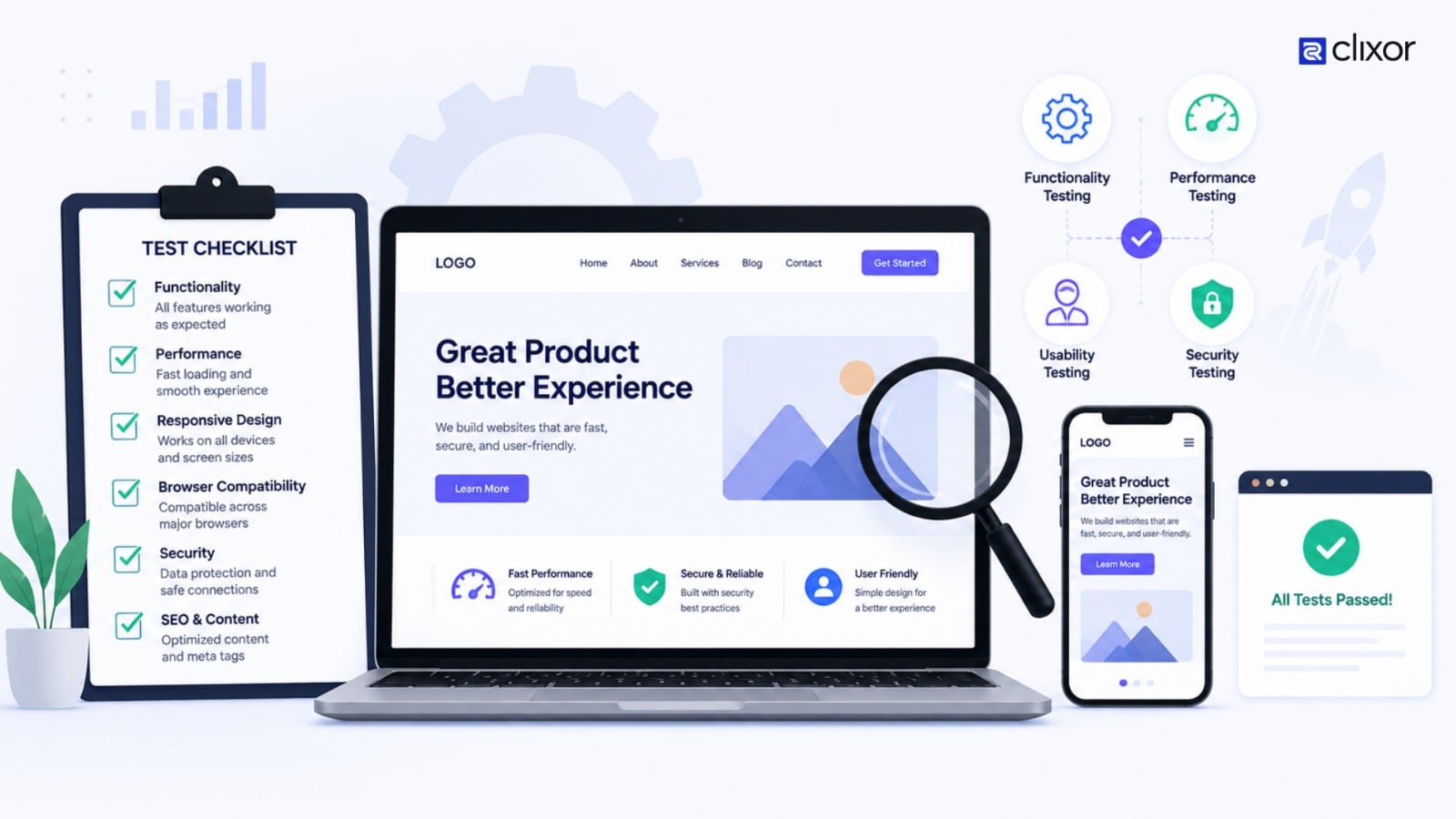
The first step is to make sure the main features of the website work correctly. Go through each page and test the navigation, buttons, menus, links, images, and other interactive elements.
Forms also need proper testing. Try submitting them with both correct and incorrect information. Check whether validation messages appear properly and whether the submitted information reaches the intended destination.
For example, if a business website has a contact form, it should be tested to make sure an enquiry is actually received after submission.
Test the Website on Different Devices
A website should provide a consistent experience across mobile phones, tablets, laptops, and desktop screens.
Check whether the content fits properly on smaller screens, whether text remains readable, and whether buttons and menus are easy to use. Images and sections should not overlap or extend outside the screen.
Responsive testing is especially important because users may access the same website from many different screen sizes.
Test Browser Compatibility
The website should also be checked on commonly used browsers. A page that works correctly in one browser may sometimes behave differently in another because of differences in browser rendering or feature support.
Test important pages and features across browsers such as Chrome, Edge, Firefox, and Safari. Pay extra attention to forms, menus, animations, and interactive elements.
Check Website Speed
Website performance should be reviewed before the website goes live. Large images, unnecessary scripts, videos, and other resources can make pages slower.
Developers can improve performance by optimizing images, reducing unnecessary resources, and reviewing the code and scripts used on important pages.
The goal is not simply to make a website load quickly on one device. The website should provide a smooth experience across different devices and network conditions.
Review SEO and Content
Before launch, review the website content and basic SEO elements. Page titles, meta descriptions, headings, URLs, internal links, and image alt text should be checked.
Make sure the content is accurate, and there are no spelling mistakes, placeholder texts, or unfinished sections.
It is also important to check that the live website can be properly accessed by search engines. Development settings that block indexing should not accidentally remain enabled after launch.
Check Security and Error Pages
Security should also be considered during pre-launch testing. Websites that include login systems, forms, payments, or user accounts need additional attention to how information and permissions are handled.
Test common error situations as well. For example, open an invalid URL and check whether the website displays a useful 404 page instead of a confusing error.
These checks help create a more reliable experience when something does not go as expected.
Test the Website Like a Real User
Technical checks are important, but developers should also use the website like a normal visitor.
Try completing the main tasks that users are expected to perform. For a business website, this could mean finding a service, reading the information, and submitting an enquiry. For an e-commerce website, it could involve searching for a product and going through the checkout process.
This type of testing can reveal unnecessary steps, confusing navigation, or unclear content that may not be noticed during development.
Final Pre-Launch Review
Once testing is complete, perform one final review of the entire website. Check the important pages, forms, links, responsive layouts, performance, SEO settings, and content again.
It is also useful to keep a backup of the website before deployment so that there is a recovery option if an unexpected issue occurs.
A proper pre-launch review allows developers to fix problems while the website is still under their control instead of discovering them through customer complaints after launch.
Conclusion
Testing a website before launching it is an important part of the development process. A website should not only look good but also work correctly across devices, browsers, and different user situations.
By checking functionality, responsiveness, performance, content, SEO, security, and real user flows, developers can identify common problems before the website goes live.